Direction check
The help for this page of the Version 2 transmitter, as its latest update shows it.
On the transmitter: Model setupRotorflightGuide & checksDirection check
Is the flight controller the right way round?
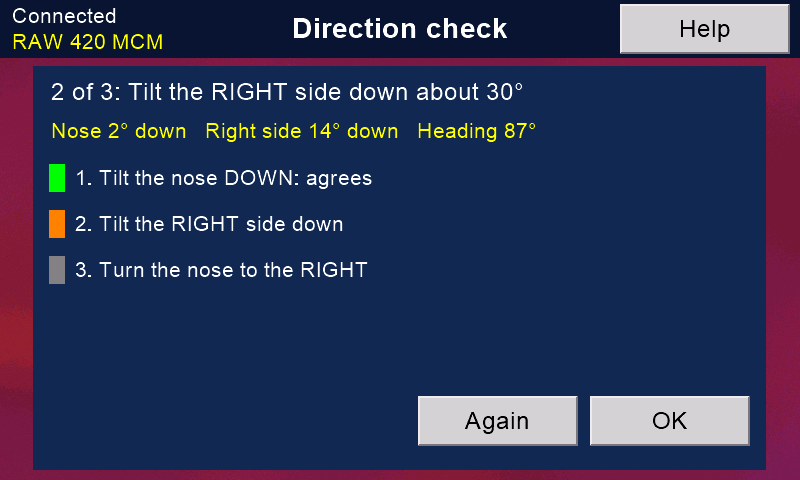
- Stand the model level and press 'Start'.
- Tilt the nose down about 30 degrees, then level again.
- Tilt the right side down, then level again.
- Turn the nose to the right (keep it level).
Each move is marked green when the flight controller saw it the right way, red when it saw it backwards or about another axis. The yellow line shows what it sees, all the time.
TURNED ROUND: if the nose and the side both come out backwards (and the turn is right), the board's connections face the other way. 'Turn it round' sets the other of the two mountings (connections to the front or to the back), stores it and restarts the flight controller. Then check again.
Any other result is a custom mounting: set it with the configurator. Never fly until all three are green.
Still stuck?
See common questions, or write to mmessiter@gmail.com. Say which page, and what the screen showed.