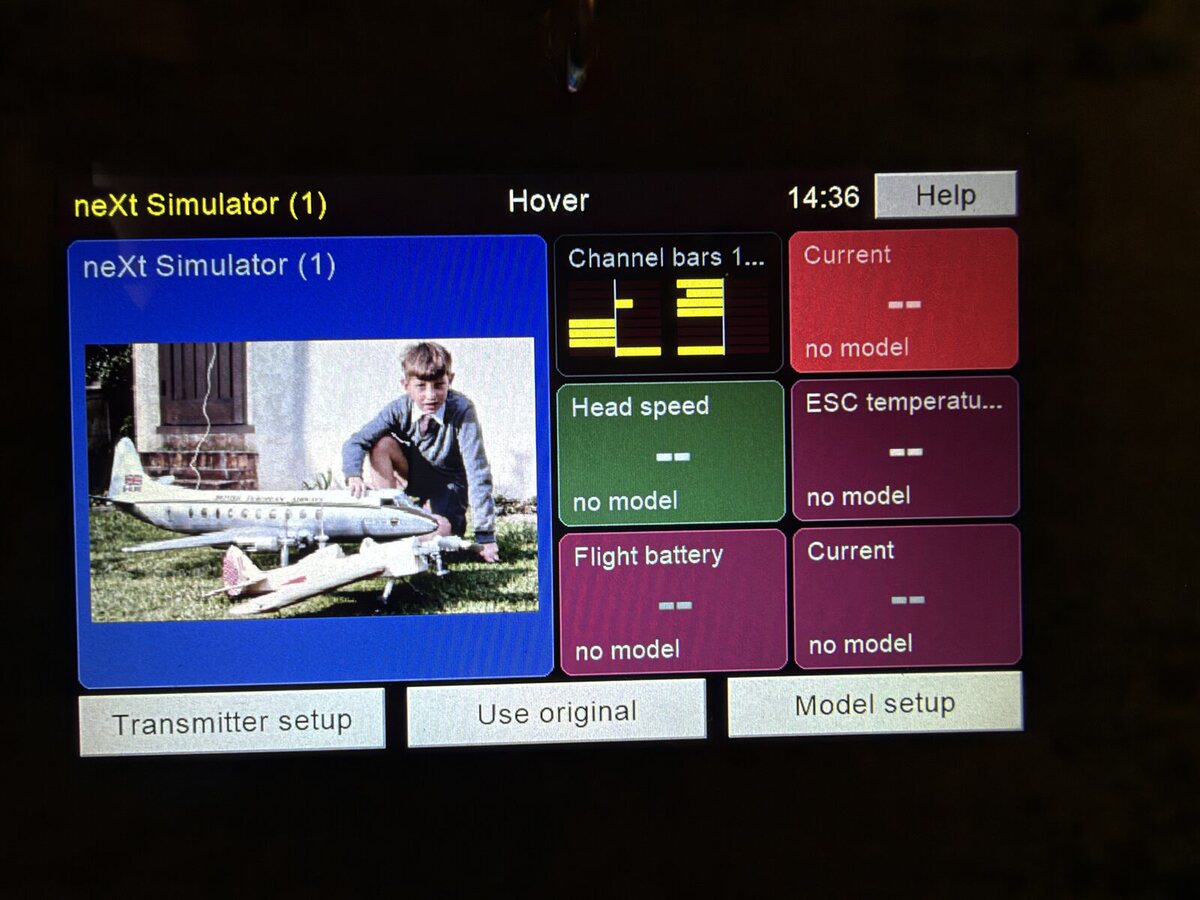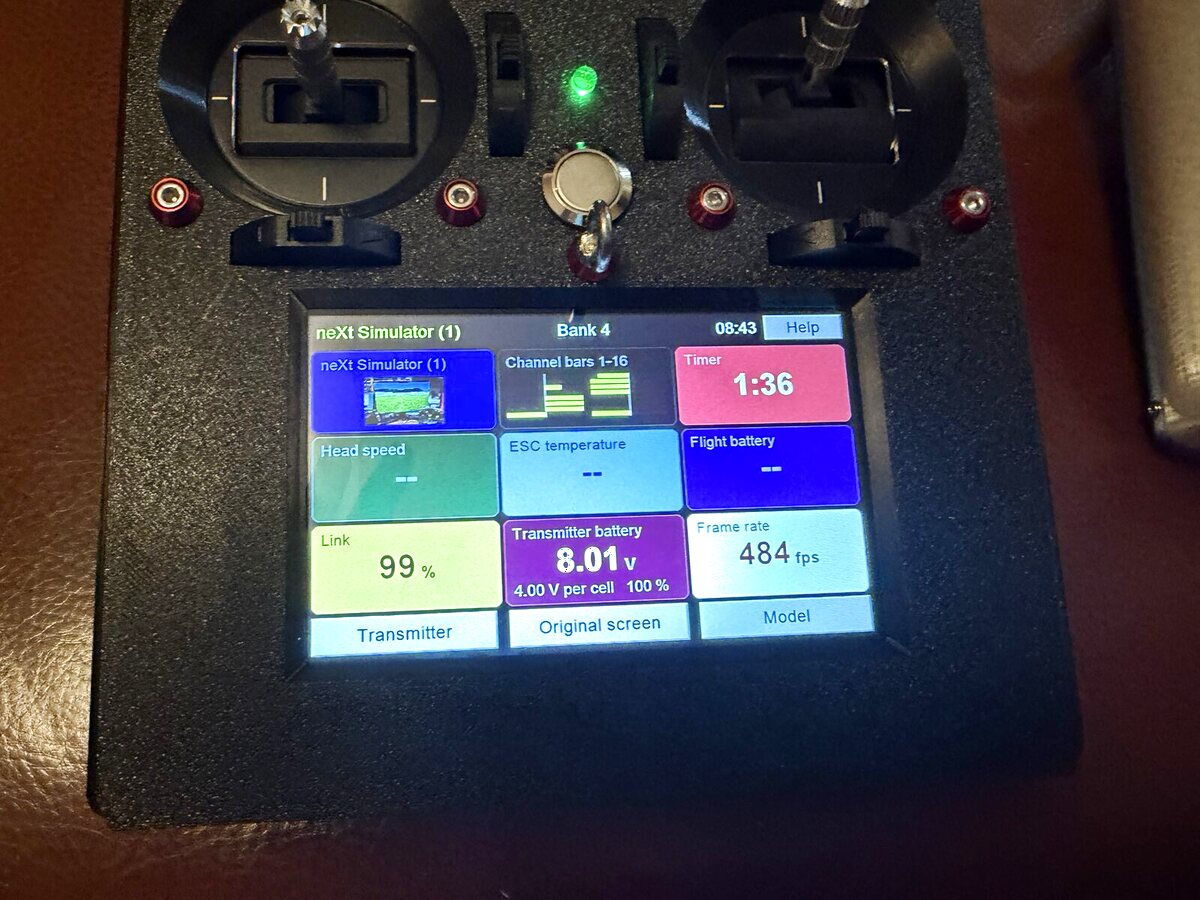
1. The transmitter
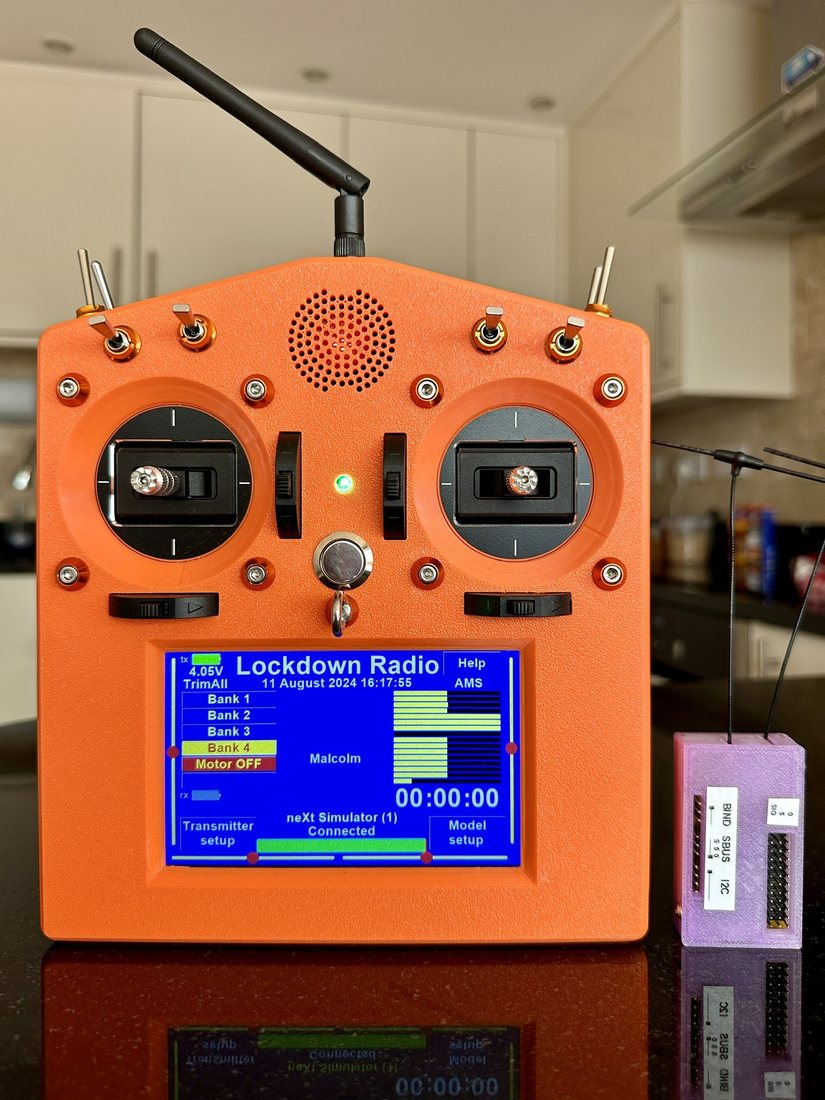
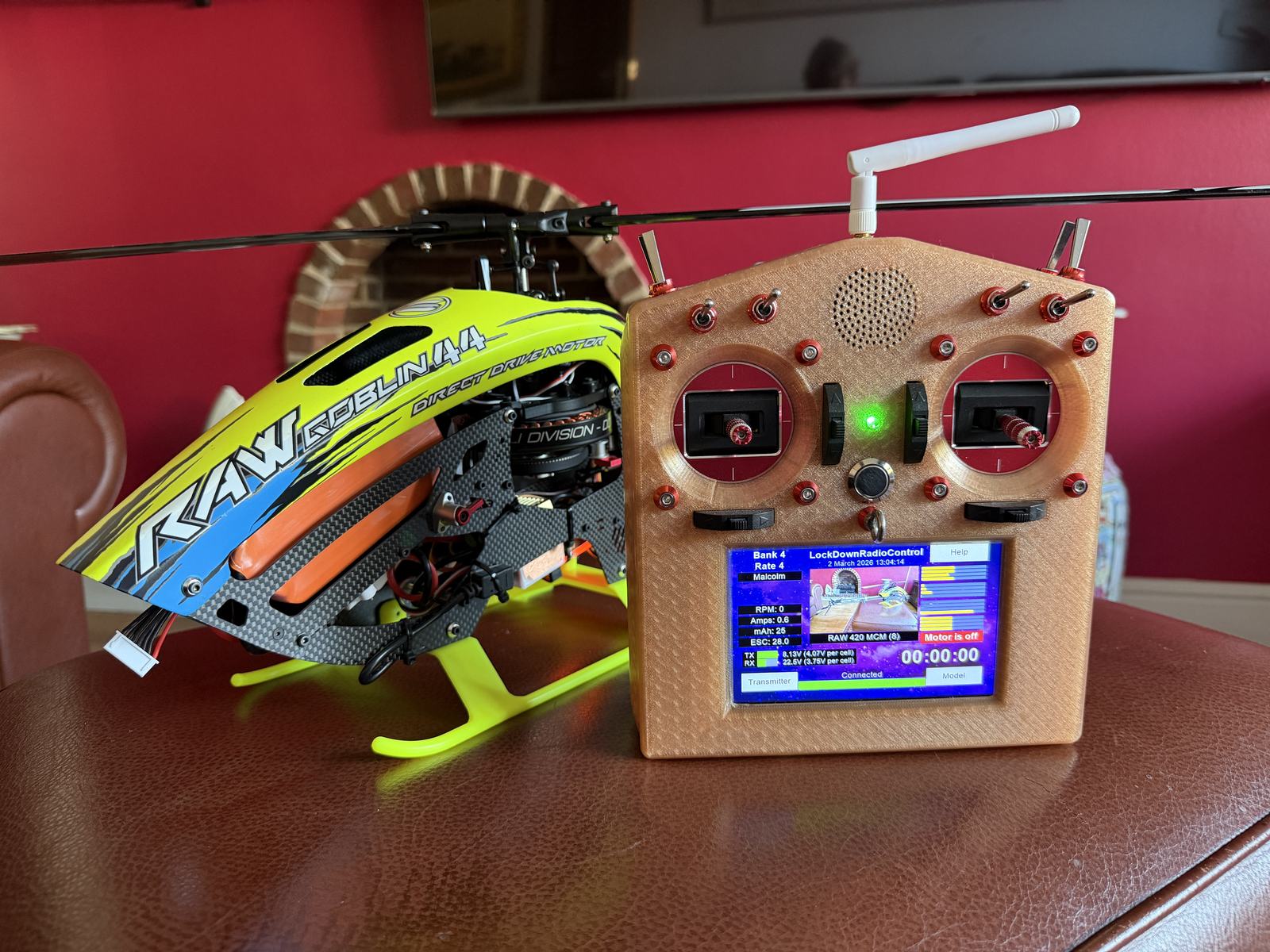
A 16-channel transmitter with a 5-inch touchscreen. It updates itself from the internet.
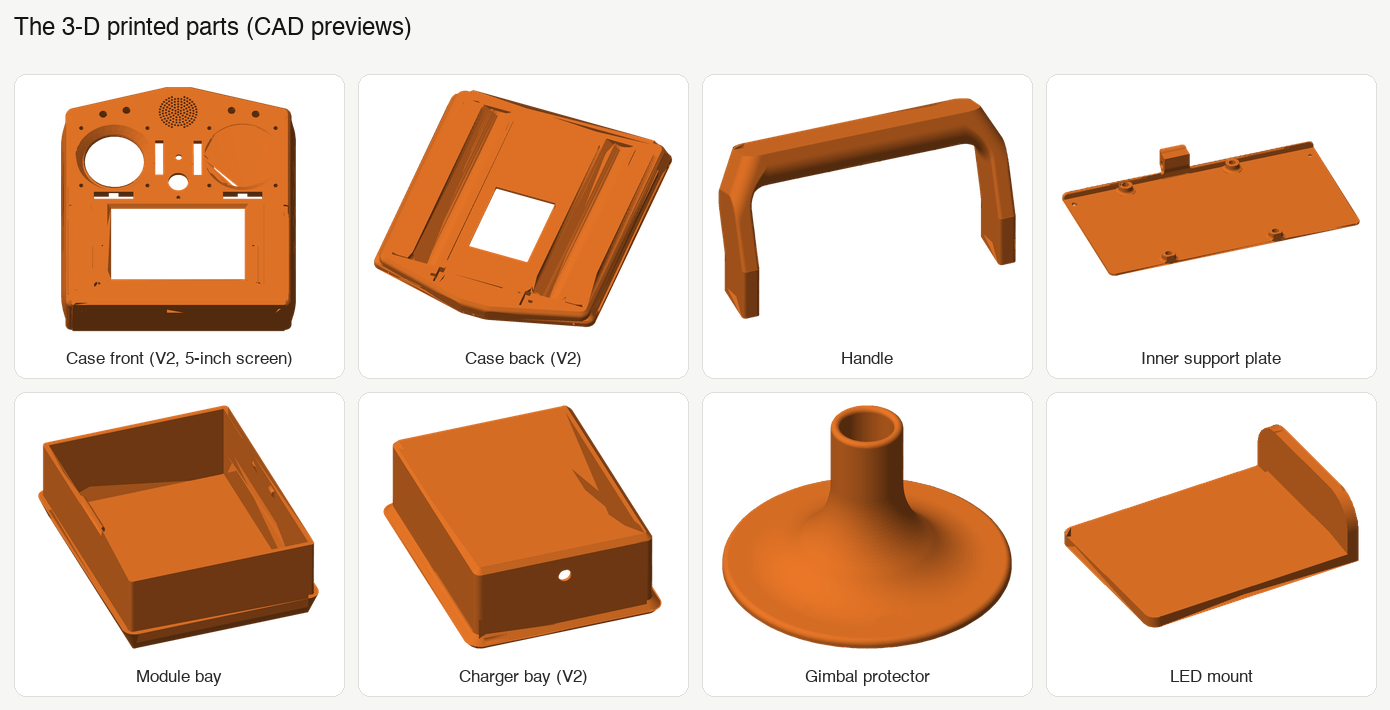
Inside: a Teensy 4.1 main board, Hall-sensor sticks and a 3D-printed case.
More about the transmitterA free, open-source radio control system you can build yourself
LockDownRadioControl is a free, open-source 16-channel radio for model aircraft and helicopters: a transmitter, a receiver and a phone app.
NewVersion 2 is here: a 5-inch WiFi touchscreen, and Rotorflight set-up on the transmitter.
Build all three for the whole system. Happy with the radio you have? Start with the dongle.
A 16-channel transmitter with a 5-inch touchscreen. It updates itself from the internet.
Inside: a Teensy 4.1 main board, Hall-sensor sticks and a 3D-printed case.
More about the transmitter
Small, with one, two or three radios. It feeds a flight controller and sends telemetry back to the transmitter.
It updates over the air, and doubles as a joystick for PC simulators.
More about the receiver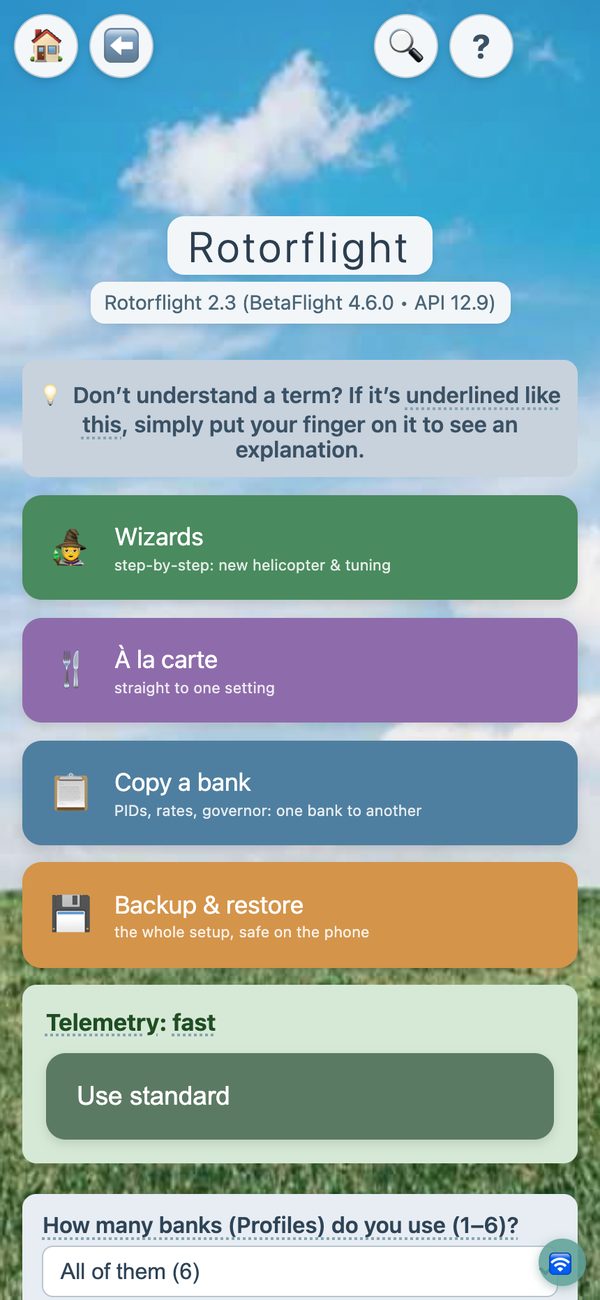
Free for iPhone, iPad and Android. It sets up the receiver, and almost all of Rotorflight, over Bluetooth.
No laptop needed at the field.
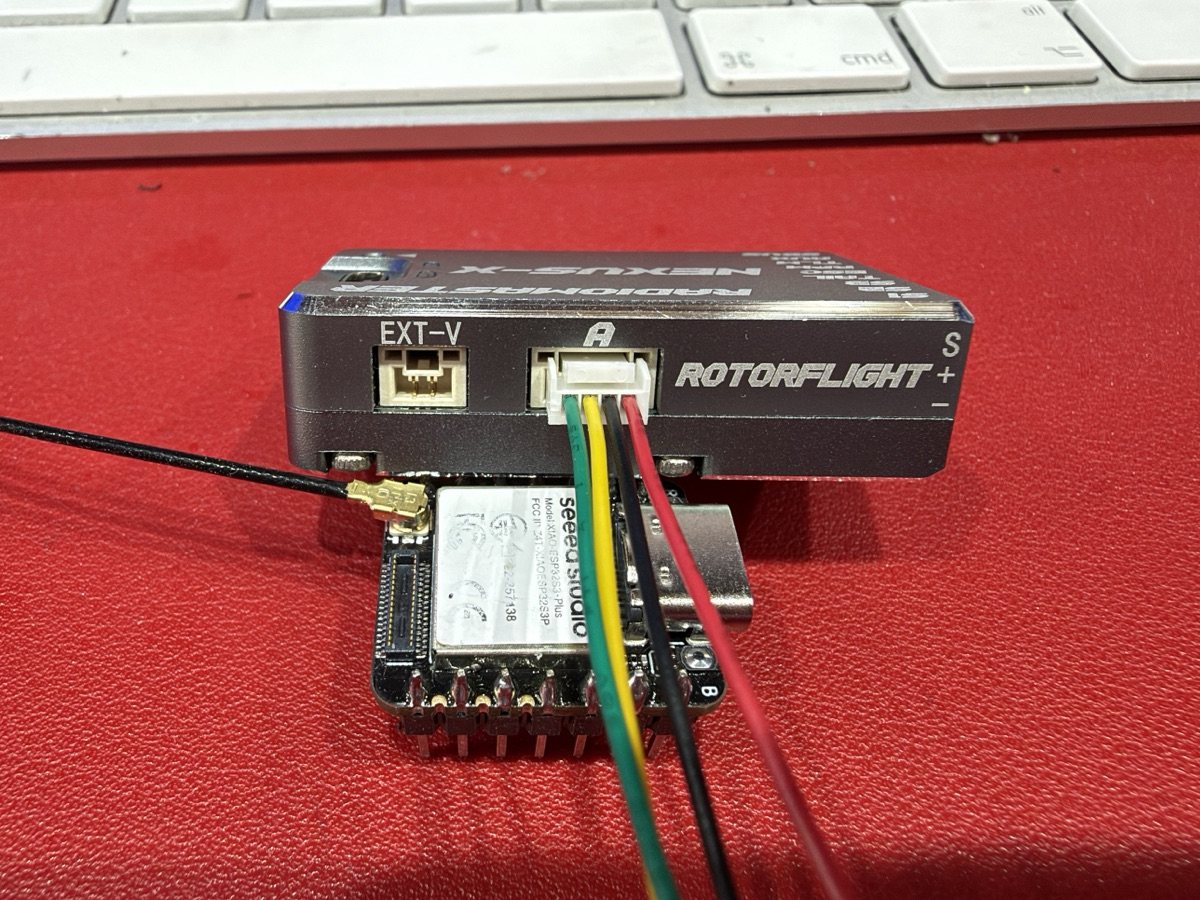
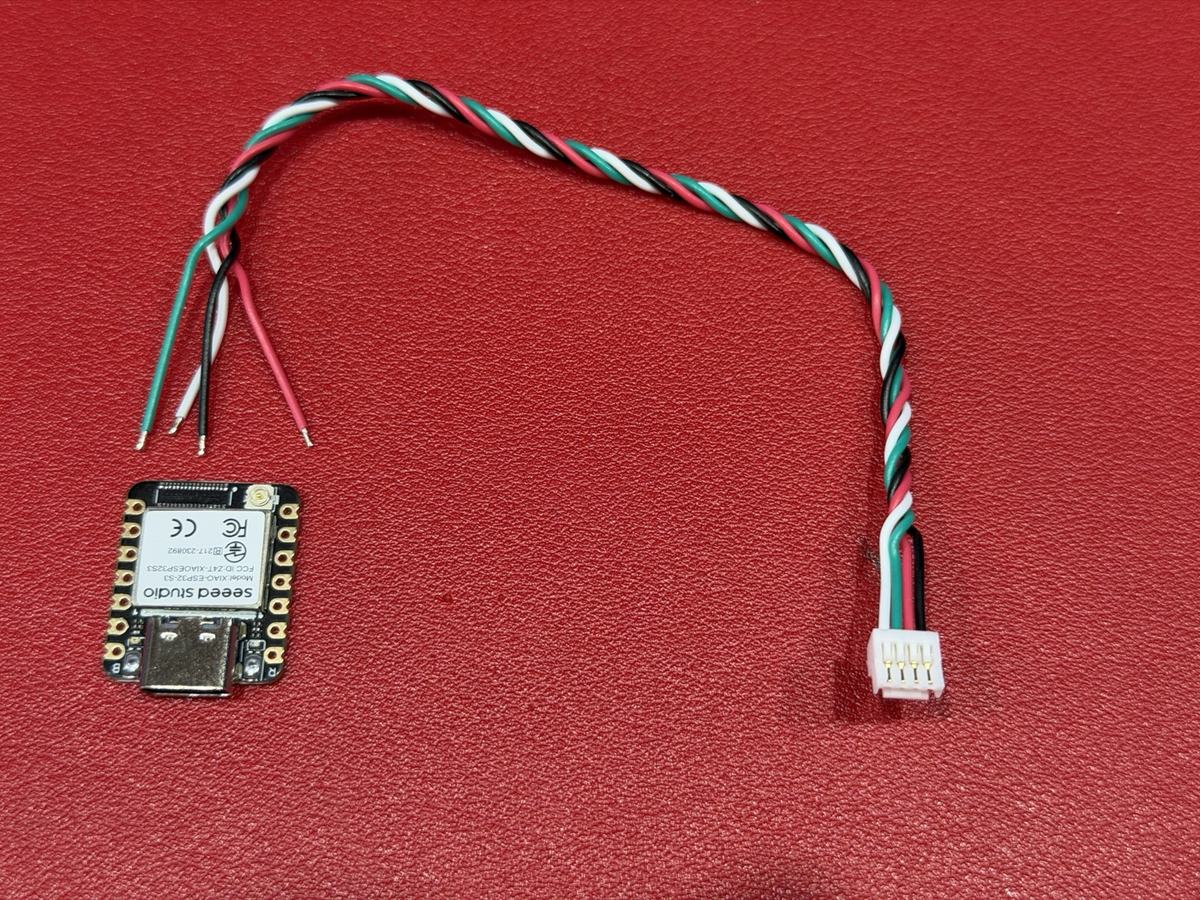
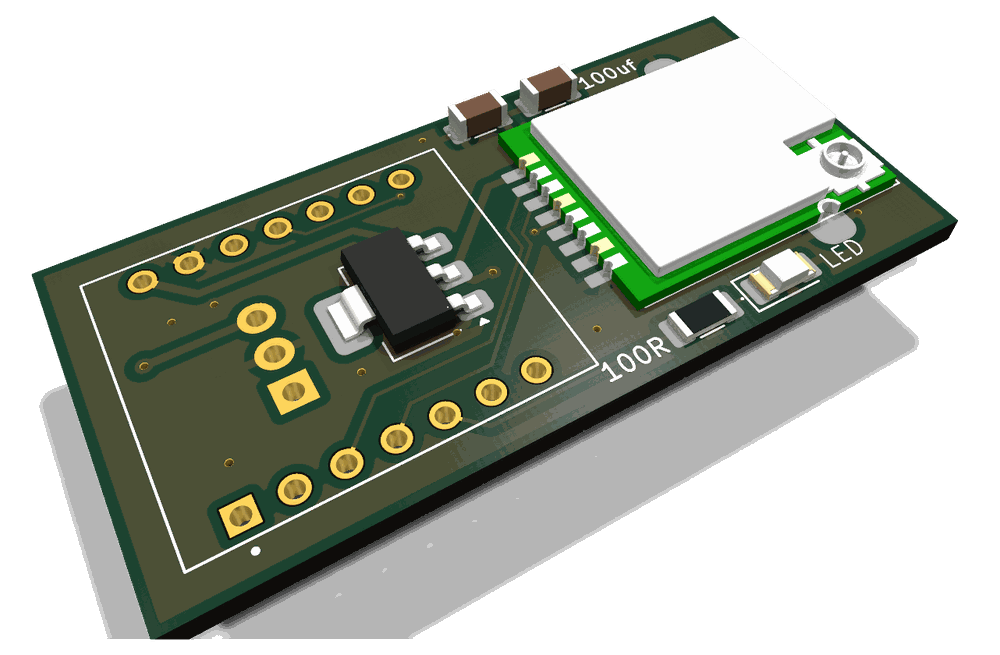
The receiver's brain with no radio: a small board (about £7) on a spare flight-controller port.
It brings the phone app to any Rotorflight helicopter, whatever radio flies it. Build it with four wires, not the carrier board in the repository: that board has a wiring fault.
It does things most radios do not. The Not found elsewhere badge marks features we did not find on any other system we checked (October 2026).
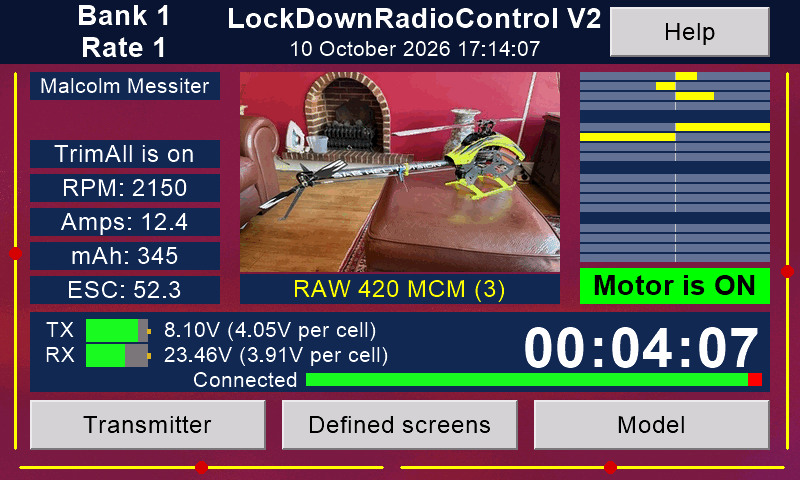
Switch on a model and the transmitter loads its memory by itself.
This is rare. Most radios only stop you flying with the wrong memory. Multiplex's SMART SX loads the right one with its ID receivers (some have a fixed ID, some can be set). Mikado's VBar Control does it another way: each model's settings live in its VBar unit. Ours learns the ID of any of its own receivers.
More about automatic model selection
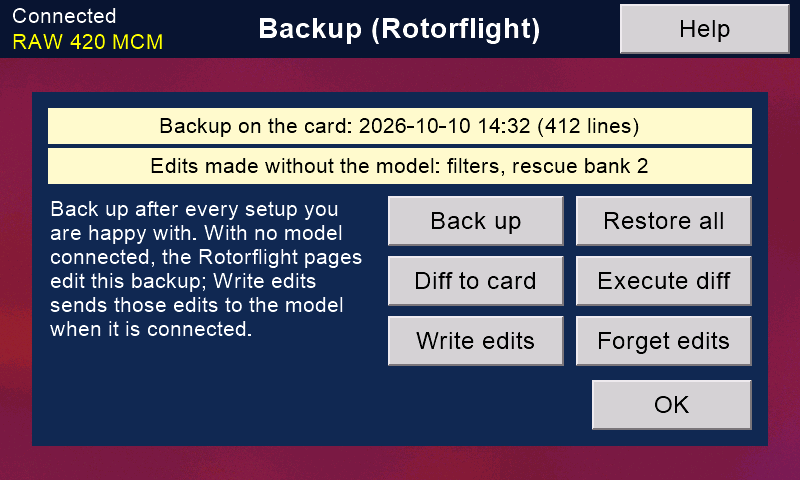
With a Version 2 receiver, back up the model's Rotorflight tune and set-up, every bank, to the transmitter's card. Ports, LED, GPS and ESC settings are not included. With the receiver's USB cable, Diff to card also saves the whole set-up as text.
Edit with the model switched off; the changes go across when it next connects.
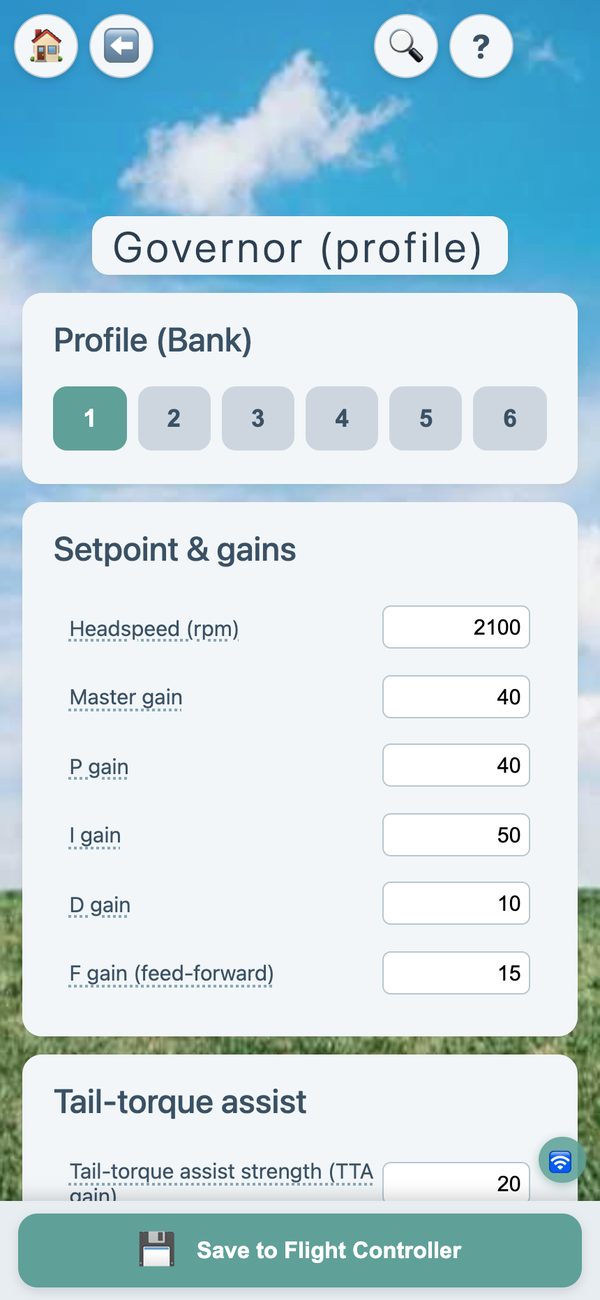
You can also tune PIDs, rates, governor, rescue, servos, filters and more at the field. Rotorflight's own scripts do that on EdgeTX and Ethos radios too.
More about Rotorflight on the transmitter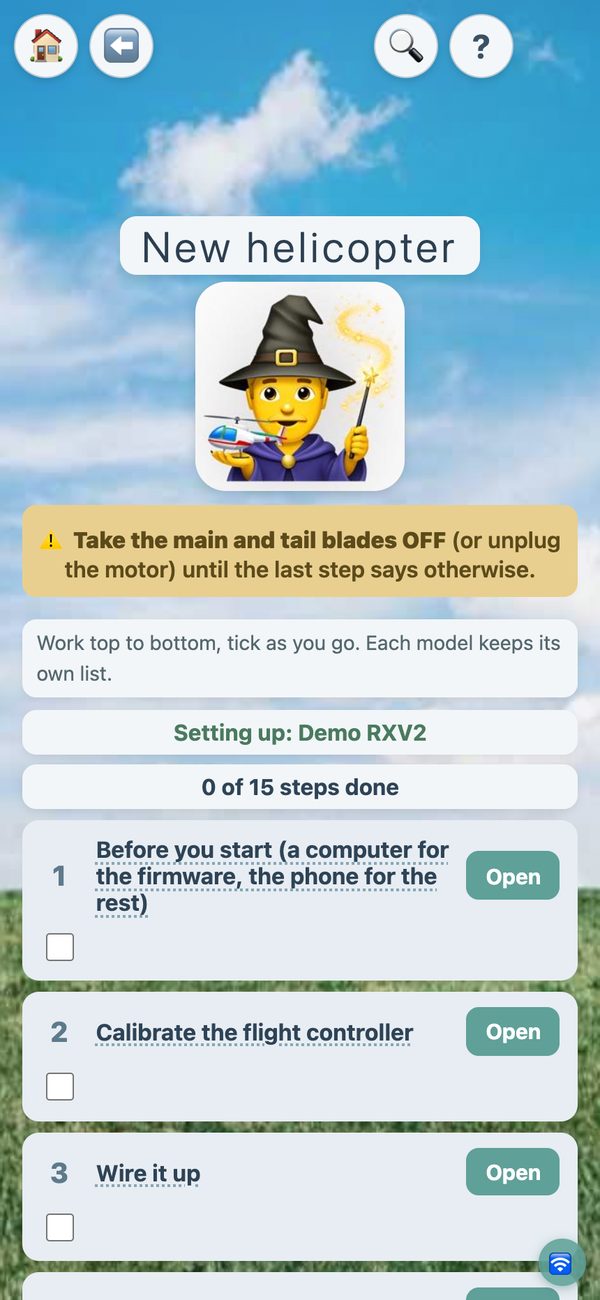
Set up a helicopter in plain English, with step-by-step wizards. Read the black box at the field and get filter advice.
We know of no other iPhone app for Rotorflight. Our app runs on Android too.
More about Rotorflight from your phone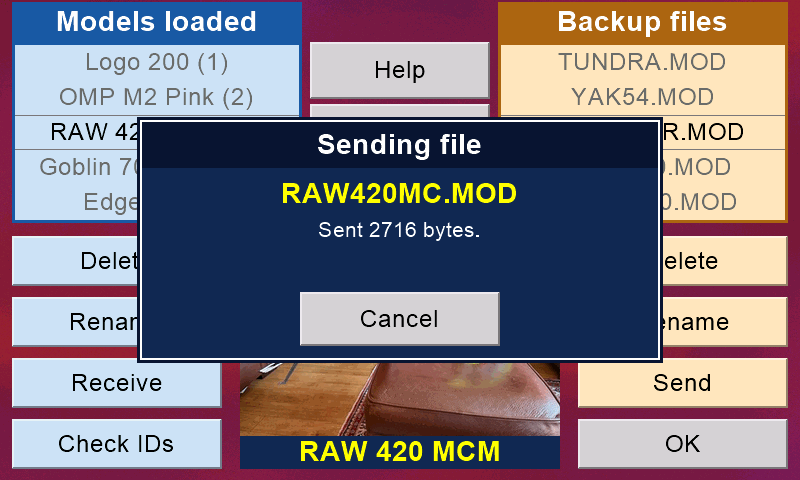
Wireless buddy box, with no extra hardware, as on many bought radios. Once it has the model, the pupil's transmitter loads it by itself.
"Nudge" mode lets the instructor help without taking over. Send a model memory to a friend's transmitter over the air.
More about buddy flying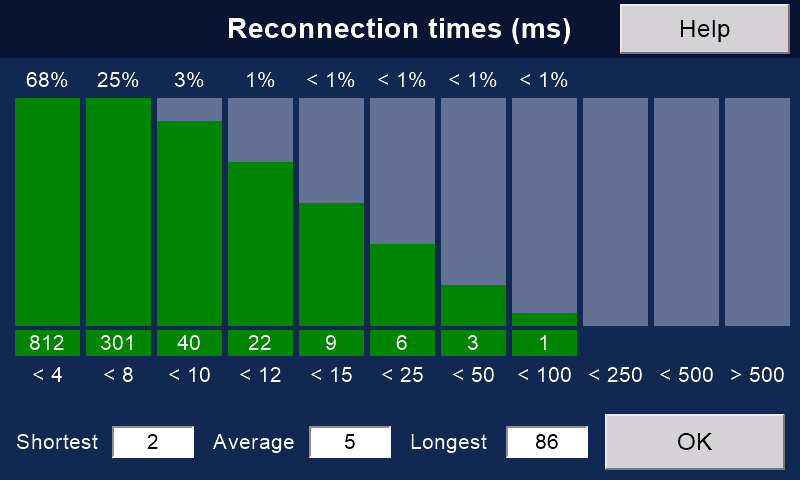
Packets a second, lost packets, the longest gap, and a chart of how fast the link came back after each drop.
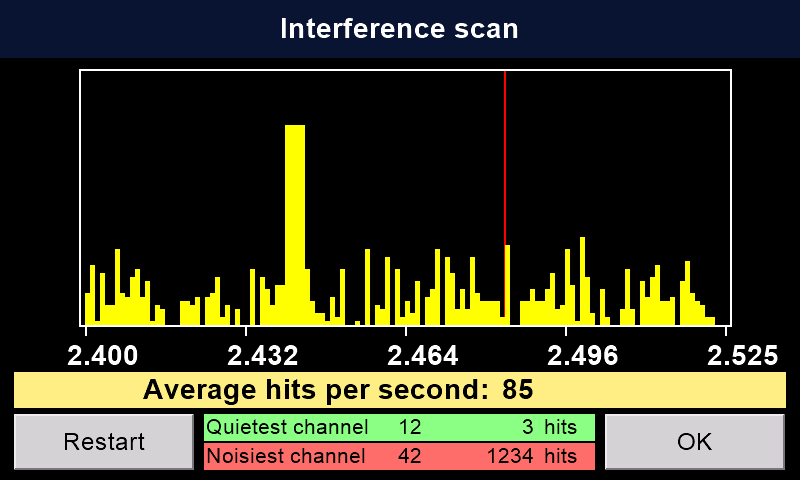
Scan the 2.4 GHz band for interference before you fly. (The chart shows sample numbers.)
More about the link pages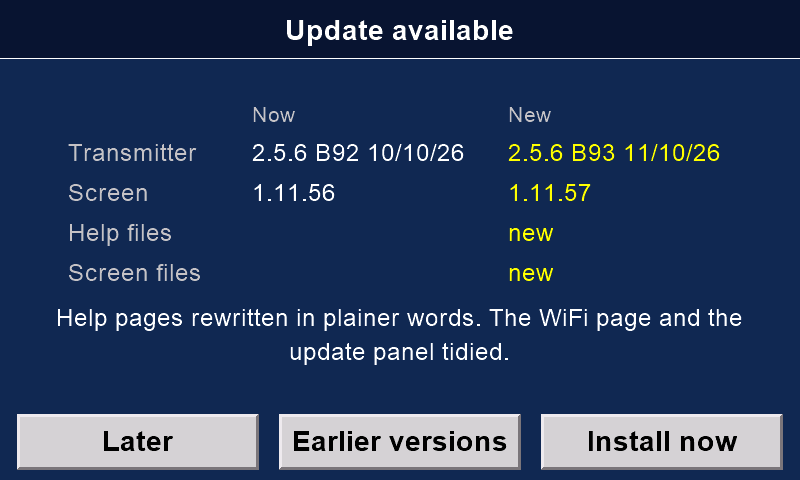
One button brings the whole transmitter up to date from the internet. It can update the receiver too.
Your files are copied first. If new firmware would read a model differently, the old firmware comes back by itself.
How updates work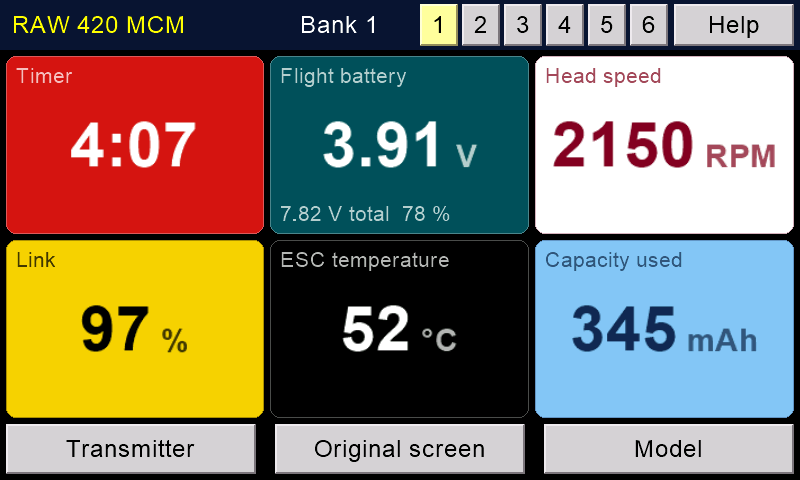
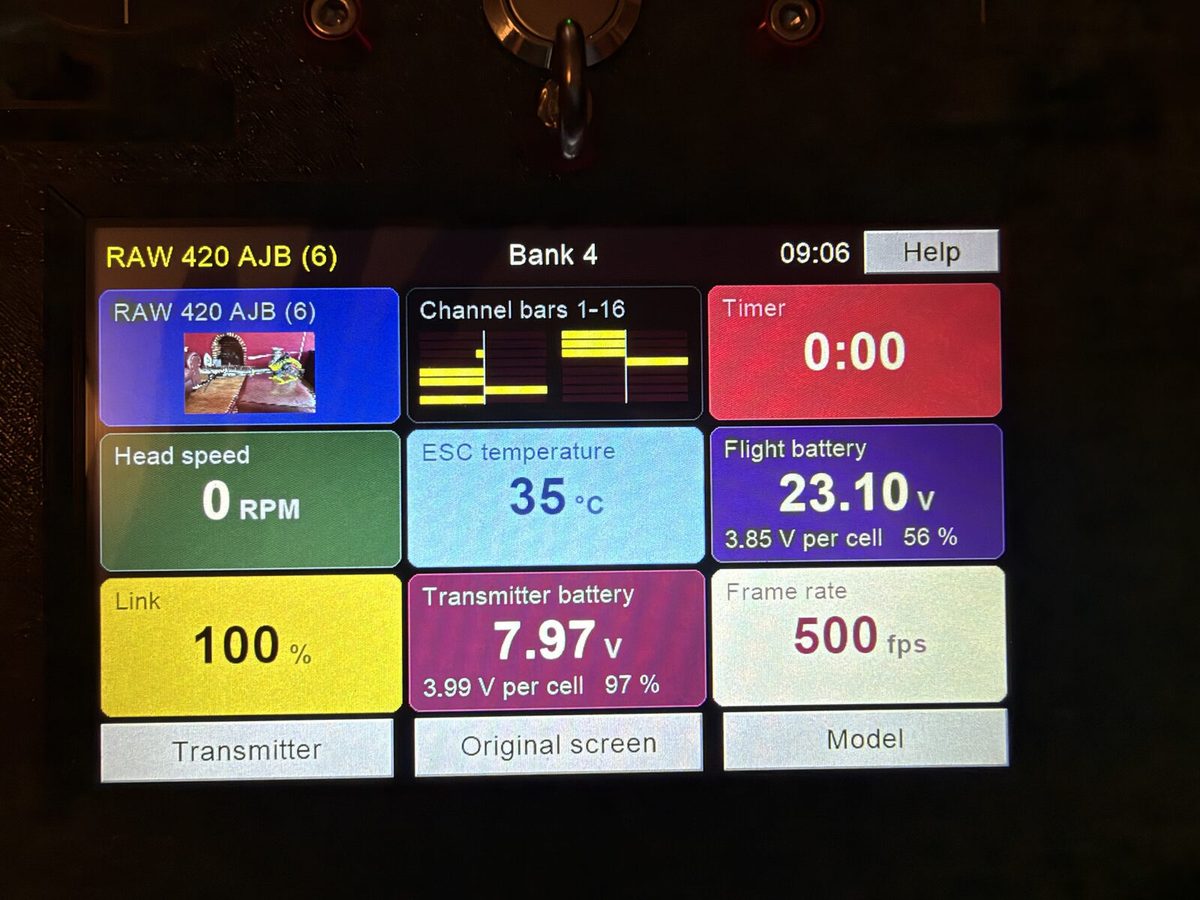
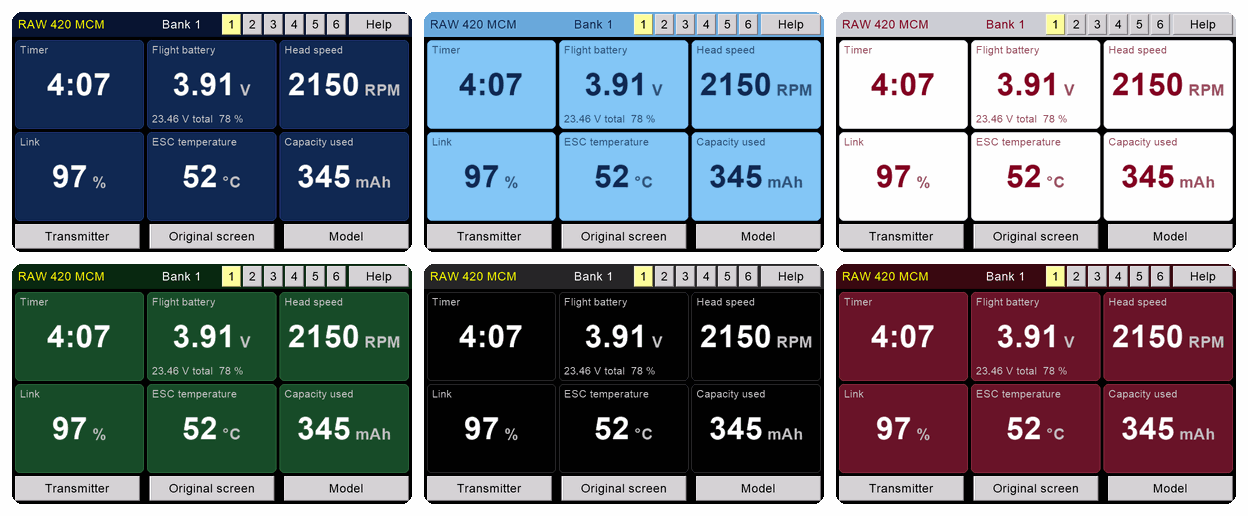
Design up to six flight screens with big, clear numbers: timer, battery, head speed, link and more.
Twelve colour themes. A box turns amber or red when it needs a look.
More about the front screens
WiFi and Bluetooth switch themselves off whenever the model could be flying.
No transmitter update or restart starts while a model is connected. A receiver update needs the safety on. The Rotorflight pages will not open with the safety off.
More about safety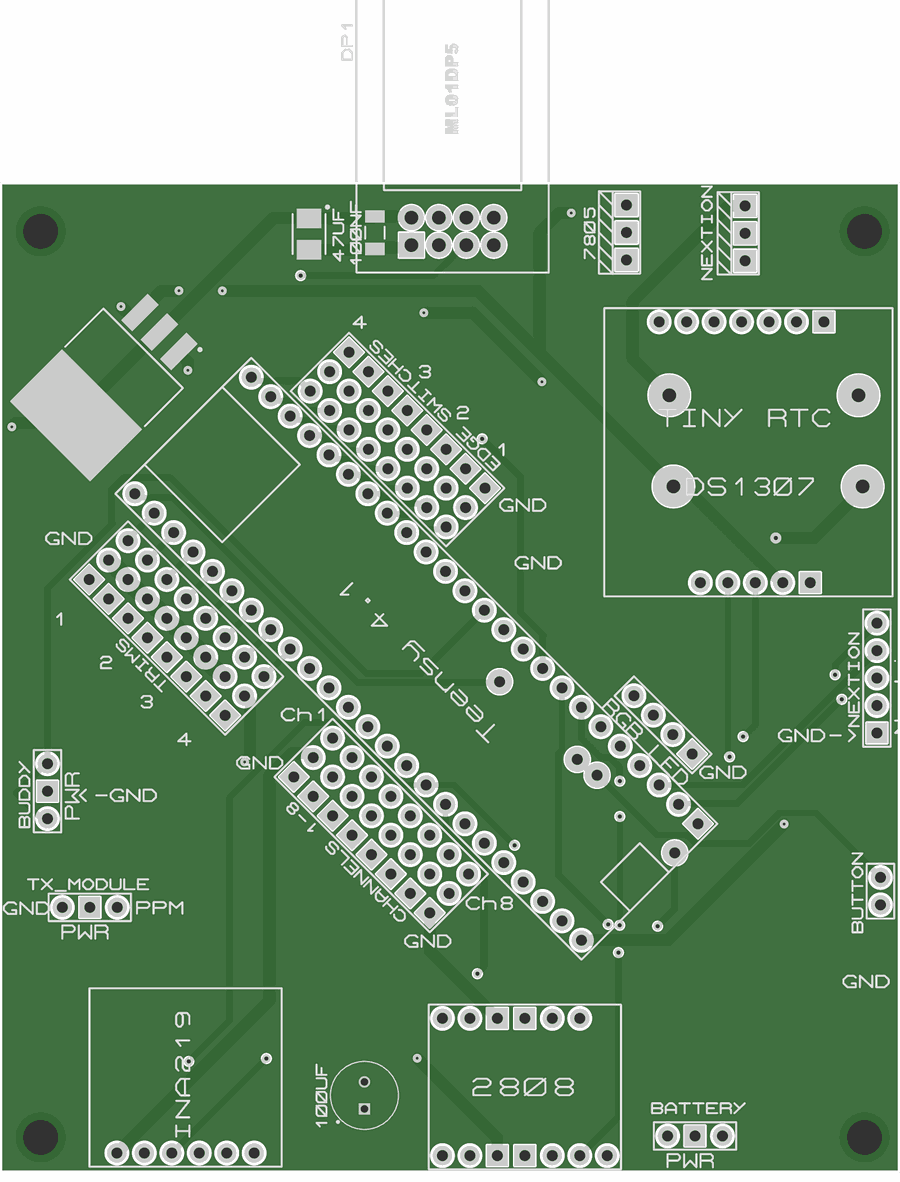
Firmware, the transmitter's circuit board, case files and help texts are free and open. The receiver's board files are being prepared.
Build it, change it, share it.
And there is help on every page of the transmitter.
How to build oneThe transmitter has a new screen. It is a 5-inch touchscreen with WiFi and Bluetooth (an Elecrow CrowPanel 5.0), in place of the Nextion display.
The main board, sticks, switches and model memories stay the same. The screen draws the same pages, and adds what WiFi can do:
All the things you would expect from a full radio:
| Channels | 16, sent as whole microseconds from 500 to 2,500: about 2,000 steps, in 12-bit slots. The Version 2 receiver passes them on as 11-bit CRSF or SBUS. |
|---|---|
| Packets a second | 500: one every 2 milliseconds |
| Frequency hopping | About 100 hops a second across 83 channels of the 2.4 GHz band. The receiver chooses each hop. |
| Radio chips | nRF24L01+ modules with amplifiers, at 250 kbit/s |
| Packets | Very small, so fewer collide with other radios while hopping. A lost packet is sent once more, then fresh stick data follows. |
| Band | 2.4 GHz only |
| Range | More than 1 km in ground-level tests. The radio modules' makers claim more than 2 km. |
Measured on the first Version 2 flight (a Goblin RAW 420, 5 October 2026): an average of 491 packets a second, 0.21% of packets lost, longest gap 15 milliseconds.
| Main board | Teensy 4.1 (ARM Cortex-M7, 600 MHz) |
|---|---|
| Radio | Ebyte ML01DP5 (nRF24L01+ with amplifiers) |
| Screen, Version 2 | Elecrow CrowPanel 5.0: 800 × 480 touchscreen with WiFi and Bluetooth (ESP32-S3) |
| Screen, Version 1 | Nextion NX8048P050 5-inch touchscreen |
| Sticks | FrSky M9 Hall-sensor gimbals |
| Trims | FrSky X9D Plus digital trim switches |
| Switches | 8, three-position |
| Battery | 2S pack: LiPo, Li-ion or LiFePO4 |
| Case | 3D-printed, in PETG or your preferred material |
| Feature | Version 1 receiver | Version 2 receiver |
|---|---|---|
| Computer | Teensy 4.0 | Seeed XIAO ESP32-S3 (WiFi, Bluetooth, USB-C) |
| Radios | One or two Ebyte ML01SP4 | One, two or three nRF24 modules (Ebyte E01-ML01SP4). It swaps to another radio if one loses the link. |
| Outputs | Up to 11 PWM servo outputs (9 on older one-radio boards), and SBUS | CRSF (the default), SBUS, IBUS or PPM, to a flight controller. No PWM servo outputs. |
| Rotorflight | Telemetry. Rates, PIDs and governor from a Version 1 transmitter. | Telemetry. Set-up from the phone app, and from a Version 2 transmitter. |
| Sensors | Battery volts, barometer (altitude, variometer) and GPS, with add-on sensors | None of its own. Flight-pack volts come from the flight controller, or from an optional divider. |
| Updates | By USB cable | Over the air |
| Simulator | No | Becomes a USB joystick and keyboard for PC simulators |
| Works with | Version 1 and Version 2 transmitters | Version 1 and Version 2 transmitters |
Planes without a flight controller need PWM servo outputs: use the Version 1 receiver, or a CRSF or SBUS to PWM converter.
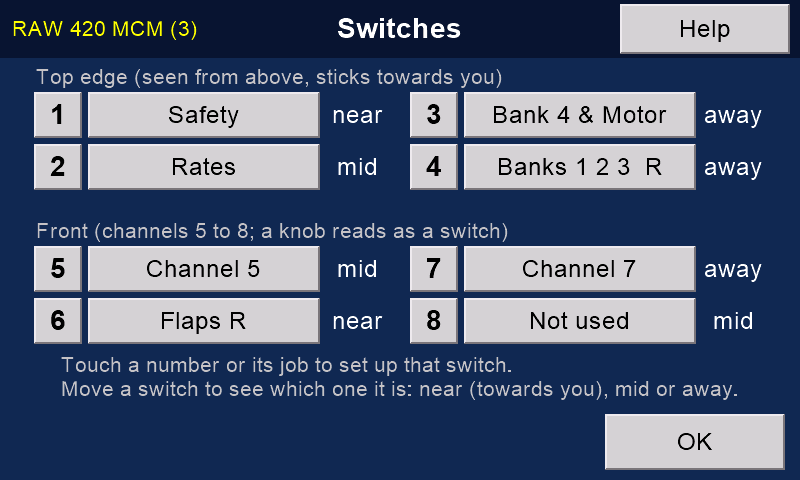
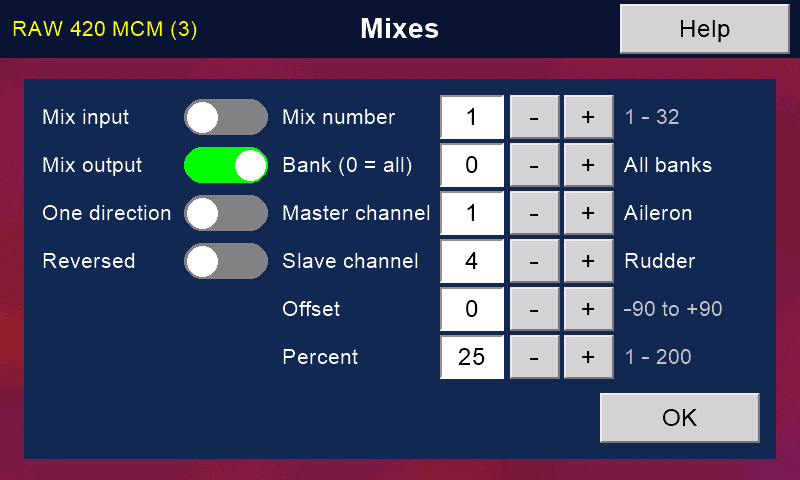
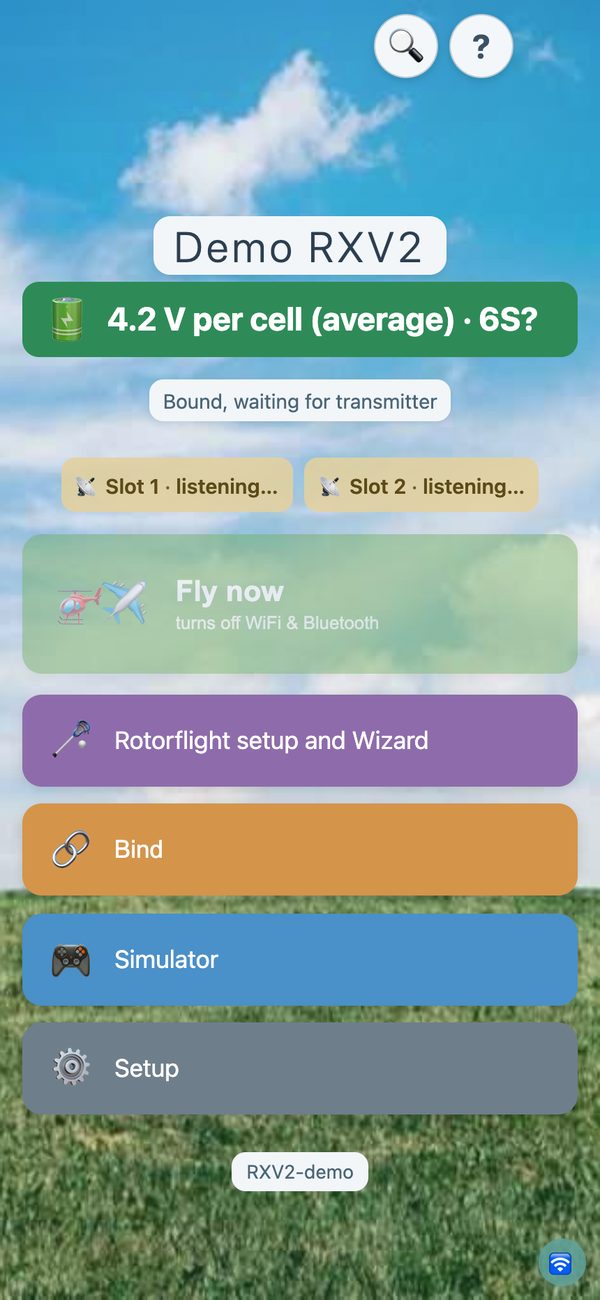
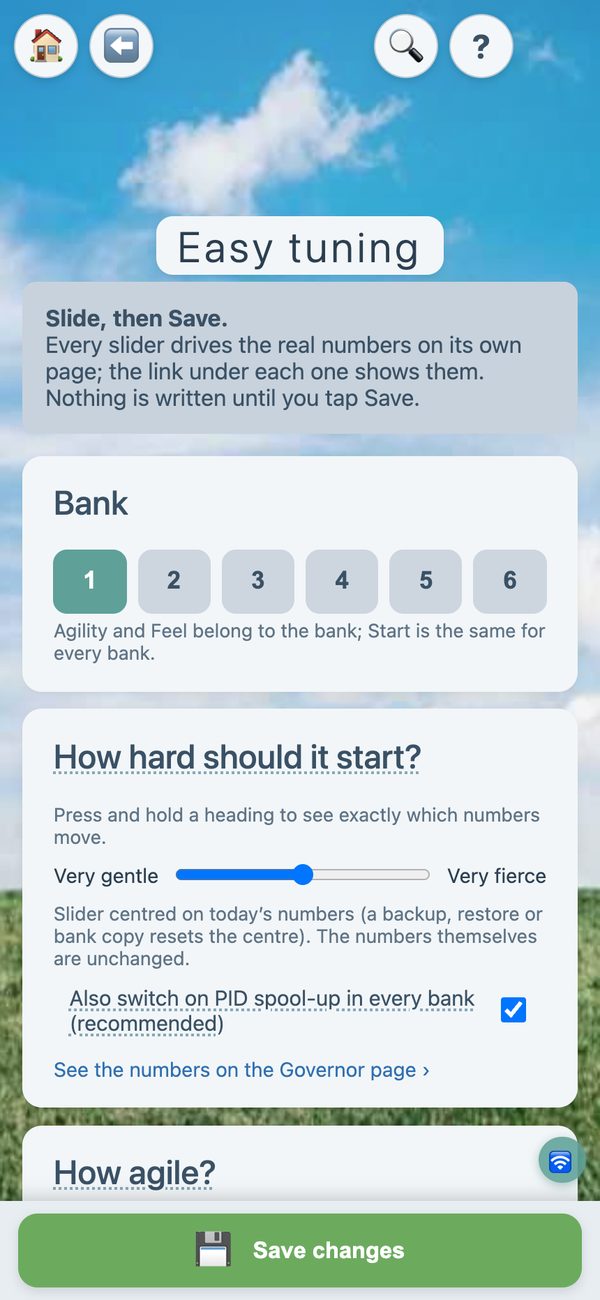
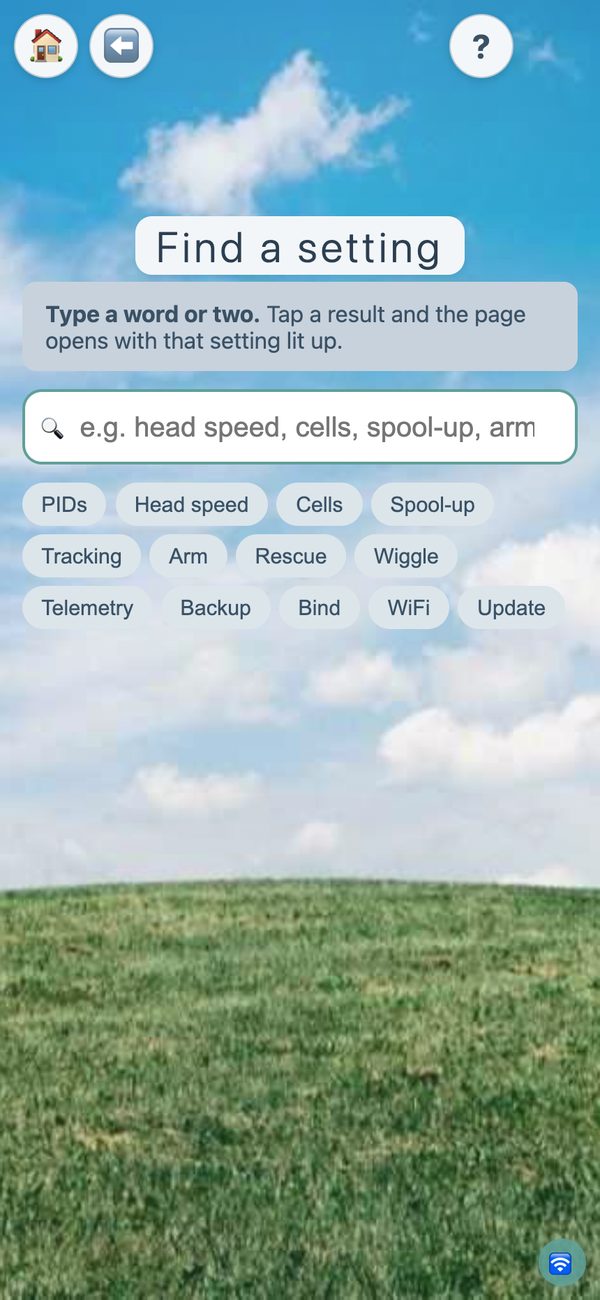
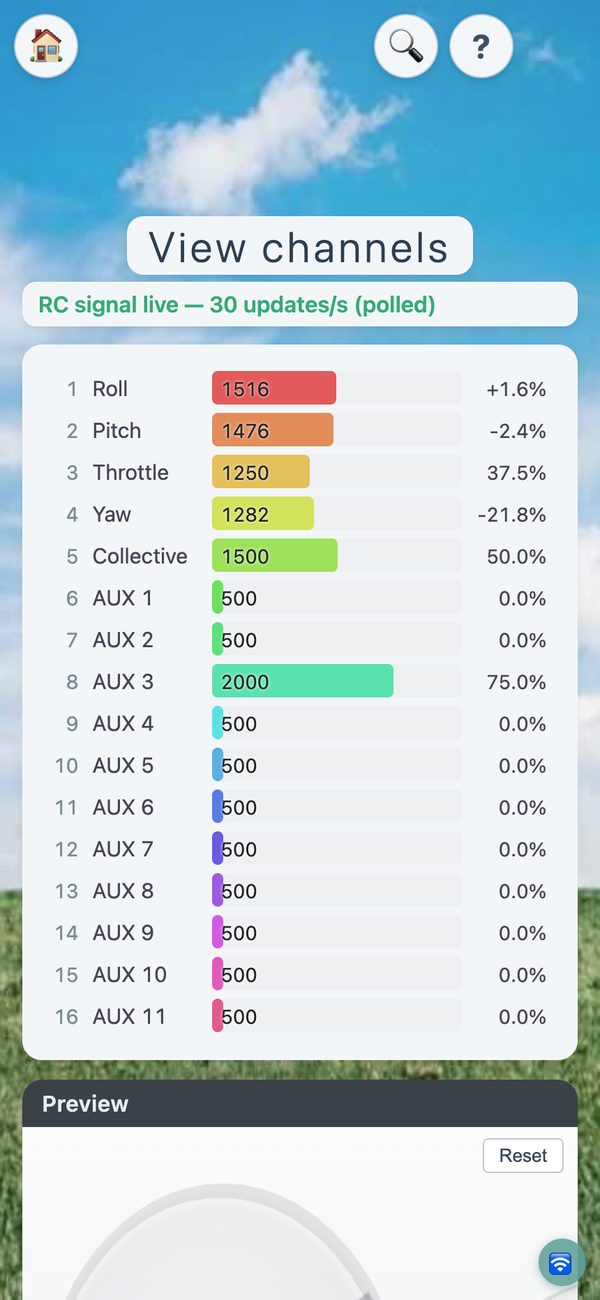
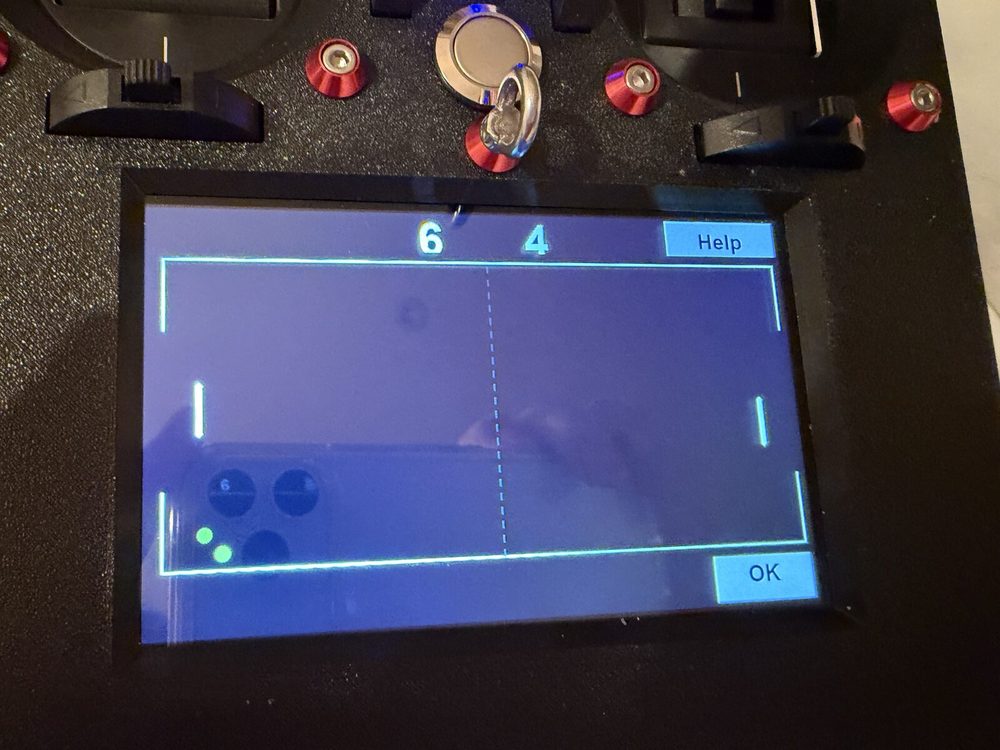
Tap any picture to see it full size. The transmitter screens are drawn by its own code, and the app pictures come from its demo mode: both show sample numbers. The photos are real.
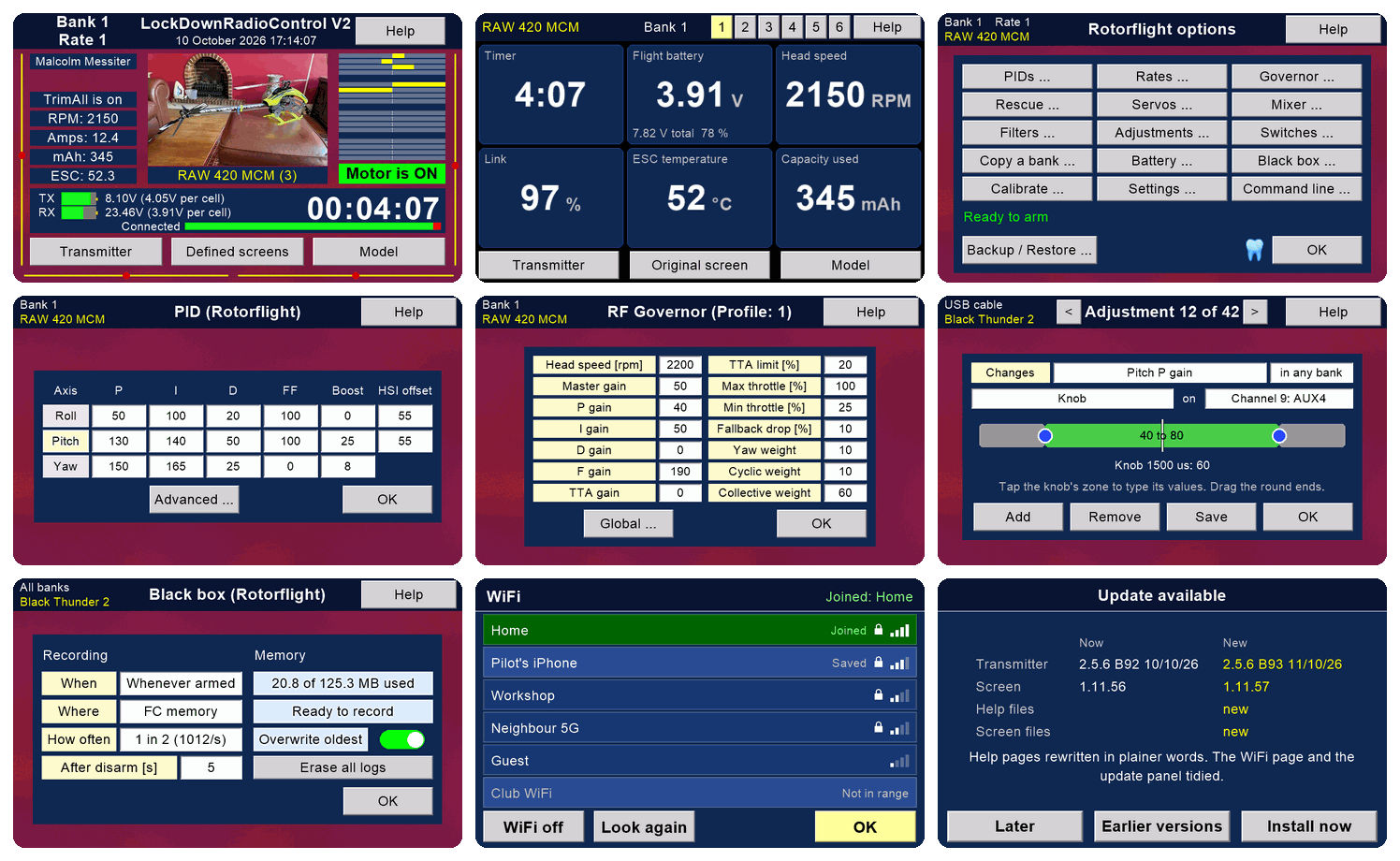



We compared it with EdgeTX and ExpressLRS radios, FrSky Ethos, Spektrum and Mikado VBar Control in October 2026.
Rare: the right model memory loads by itself when you switch on. Elsewhere we found it only on Multiplex's SMART SX, with its ID receivers, and on Mikado's VBar Control, which keeps each model's settings in the model.
Rare as a whole: a complete system, hardware included, that one person can build.
LockDownRadioControl changes when a need appears. Its author, Malcolm Messiter, often adds a feature within a day of a pilot asking for it: the transmitter's command line and the defined front screens were each built the day they were asked for. The new version then reaches every transmitter and receiver over the internet.
It is yours to change too. Every line of code, the circuit boards and the case are open, so you can change anything yourself, or ask for it.
Commercial systems are almost always take it or leave it: you fly what the maker decided, and you cannot easily change it.
ExpressLRS is rightly praised for its range, and its claims are fair. But with a model helicopter, the radio is not what limits range. Your eyesight is.
In Malcolm's own tests at ground level, LockDownRadioControl Version 2 kept its link at more than a kilometre. The makers of its radio modules claim more than two. Nobody can see a helicopter well enough to fly it at a kilometre, so more range than that makes no difference in the air.
What matters more is that the link never fails. Now and then a commercial radio fails and a model crashes, through a faulty part or faulty assembly. Commercial makers must make a profit, so they have every reason to build quickly and with economical parts. LockDownRadioControl is not built for profit. In about six years of flying, it has never had a radio failure, nor any problem with range.
The transmitter parts priced so far come to £120–£143, before the switches, trims, radio module, battery, circuit board, case and small parts. A budget EdgeTX radio is about £130. A Version 2 receiver is about £35 of parts.
What the extra buys is Rotorflight work on the transmitter: the backup, and edits with the model switched off. The phone app works with any radio, through the £7 dongle. Budget EdgeTX radios can already tune Rotorflight with Rotorflight's own scripts. We did not find the backup or the offline edits anywhere else.
Prices are approximate, for parts only, and change. Add your own time: a transmitter takes a few evenings, plus printing the case; a receiver about an evening.
Radio rules
The radio modules that do the transmitting and receiving carry the CE mark and FCC ID 2ALPH-E01: Ebyte's E01-ML01DP5 in the transmitter and E01-ML01SP4 in the receiver.
They run at about 100 mW (20 dBm), the UK and EU limit for 2.4 GHz. An aerial cannot add power: it only shapes where the signal goes.
As with any model you build yourself, check the radio rules where you live before you fly.
Malcolm Messiter designed and built LockDownRadioControl. He is an oboist who flies aerobatic model helicopters.
As a boy he flew free-flight models with his father, and dreamed of flying them by radio.
He started this project in the lockdown of May 2020, hence the name. He worked out his own frequency-hopping scheme, and it flew.
Malcolm and several friends have flown many models with it for more than six years.
Since 2025, Claude (Anthropic's AI) has been his pair programmer. Version 2's firmware, apps, pages and tests were written together.
There are now over 2,000 commits across the two public repositories. In April 2025 the project was featured on Hackaday.
Work goes on, with new features added at the request of pilots and club flyers.